How to make a wedding seating chart
Eight practical steps from guest list to finished table plan — written for couples, whether you use paper, a spreadsheet or a seating tool.
1. Start at the right time
Don't start the day invitations go out — you'll rearrange everything as replies arrive. Most couples begin once the RSVP deadline has passed, usually four to six weeks before the day.
Chase stragglers before you seat anyone. A seating plan built on a guessed guest list gets torn up the moment an unexpected yes (or no) lands.
2. Get your guest list in one place
Pull names from your RSVP tracker, spreadsheet or cards into one list. Working from several half-lists is how plus-ones get forgotten.
This is the point where a tool helps: in Plan My Seating you can import a CSV or JSON list of first and last names, or type people in as you go — everyone lands in a "Not seated" list waiting to be placed.
3. Group your guests before you place them
Think in circles, not individuals: both families, school friends, university friends, work colleagues, neighbours. A table of people who already know each other talks; a table of strangers often doesn't.
Watch for the people who bridge groups — a cousin who's close with your friends can happily fill a gap at either table.
4. Choose your table layout
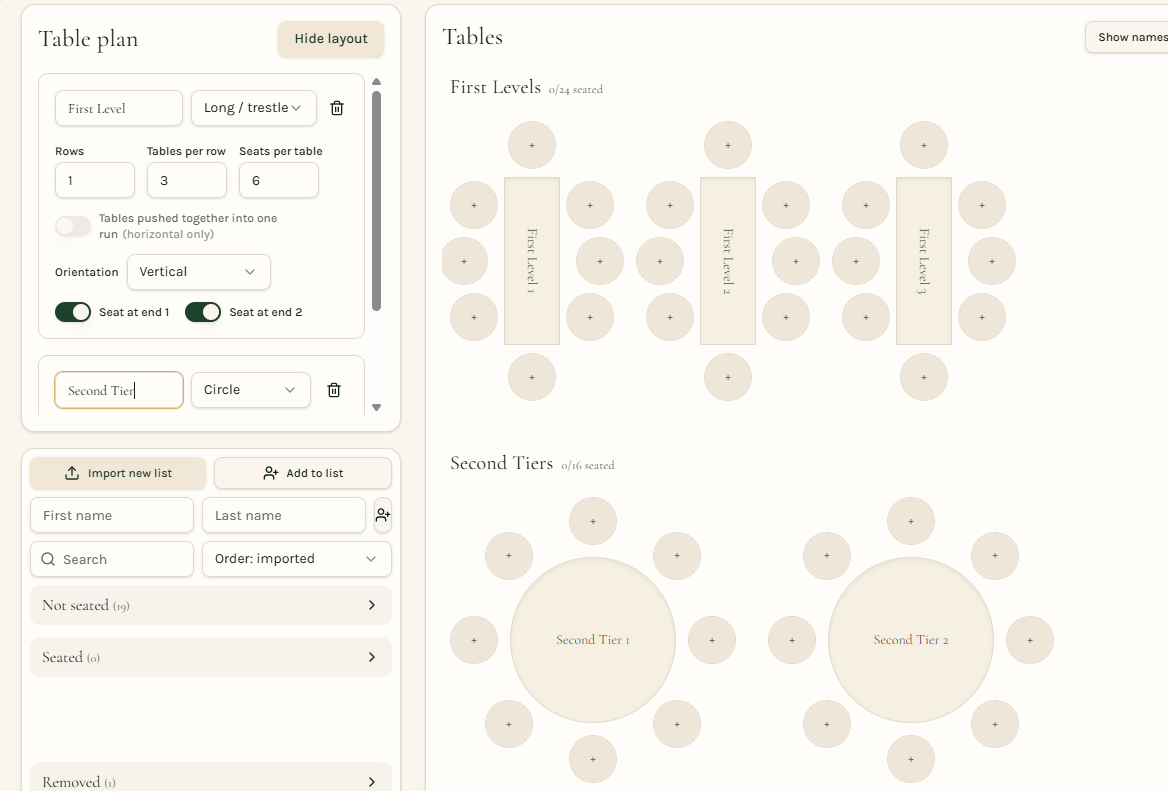
Round tables of 8–10 are the classic choice and make conversation easy across the table. Long (trestle) tables suit barns, halls and family-style dining, and can be joined into rows — but check your venue's floor plan and leave room for serving staff.
Count carefully: if your tables seat 8 and you have 94 guests, you need 12 tables, not 11. Your venue or caterer can usually confirm the maximum per table.
5. Seat the top table and VIPs first
Decide on the top table first: just the two of you, the traditional line-up, or a sweetheart table. Then place parents and the wedding party at the nearest tables.
Give older guests seats away from speakers and the dance floor, and keep anyone with mobility needs close to exits and toilets.
6. Work through the tricky seats
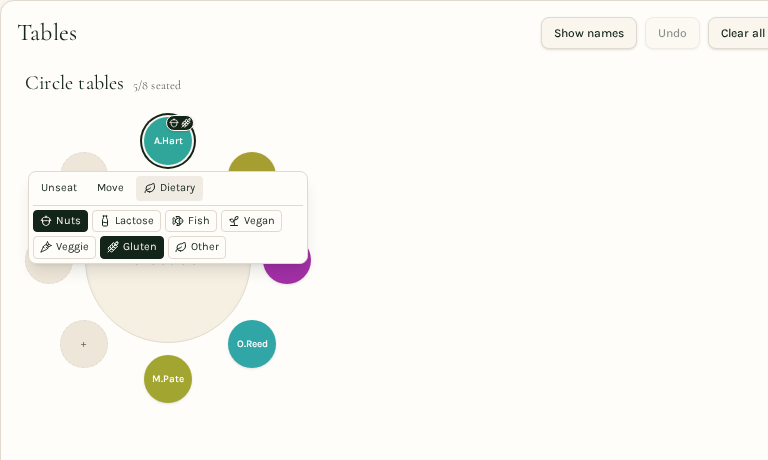
Mark dietary requirements on the plan itself, not in a separate notebook — your caterer will thank you. Note vegetarians, vegans, allergies and anything else the kitchen must know per seat.
Separate anyone who shouldn't sit together, don't create a lonely "singles table", and put families with small children near the edge so parents can slip out easily.
Dragging names between seats is far easier than redrawing on paper — try a few arrangements before you commit.
7. Seat everyone else and check the balance
Work through your groups one at a time. Aim for each table to have at least two or three people who know each other, plus a mix of talkers and listeners.
Keep an eye on your running totals — seated, left to seat, and seats still available — so you never accidentally seat 9 at a table of 8.
8. Finalise, share and print
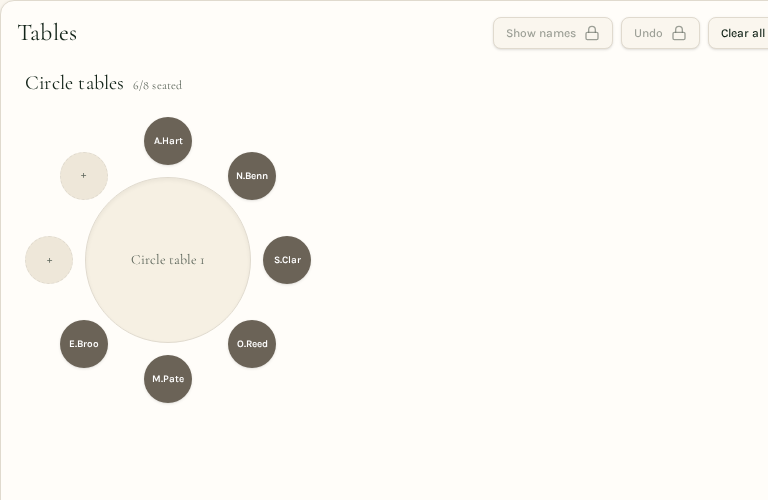
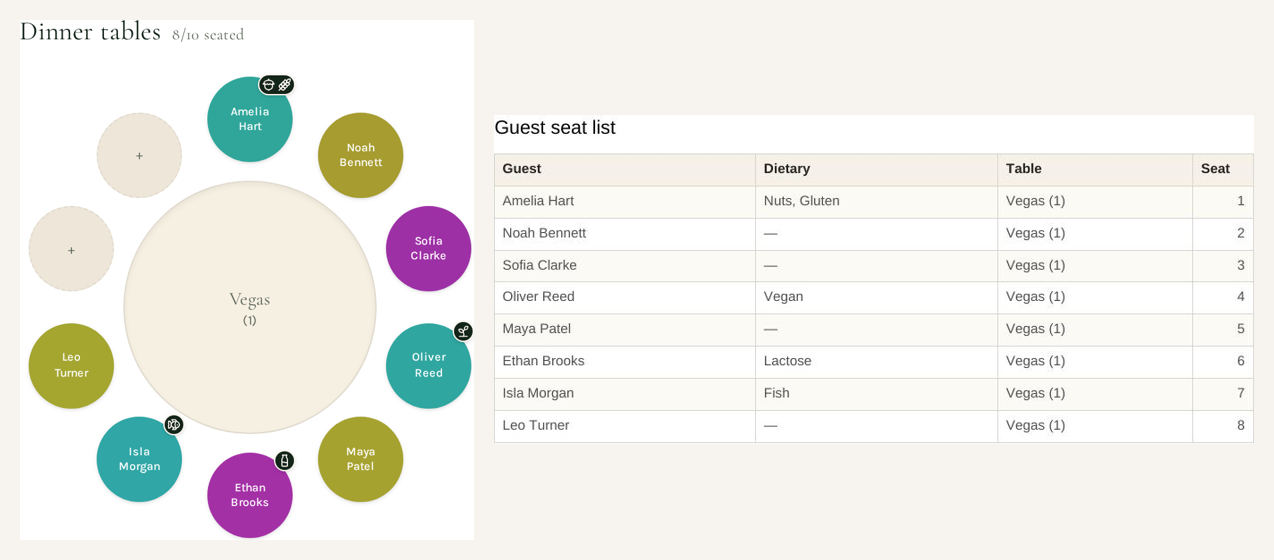
Your venue wants the table layout; your caterer wants the per-seat dietary list; your stationer wants names spelled exactly right for place cards. One export each keeps everyone happy.
Save a copy of the plan file so last-minute changes — and there will be some — take minutes, not an evening.
Plan yours free, in minutes
Plan My Seating does the fiddly parts for you: import your guest list, build round or long tables, drag people into seats and export the finished plan. Free for up to 50 guests — no account needed.